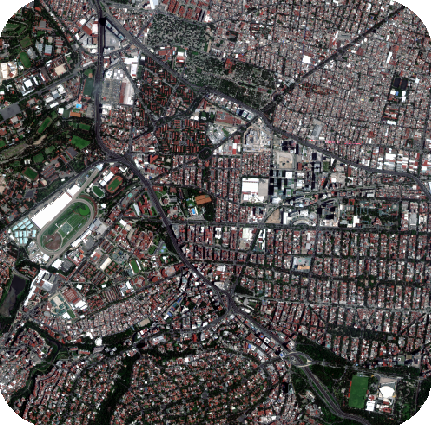
This tutorial covers the orthorectification, image alignment, and spectral fusion workflow in CATALYST Professional. It uses tools available in CATALYST OrthoEngine and Focus.
Misalignment between multispectral and panchromatic imagery is a common issue in remote sensing workflows. Since panchromatic images are captured at a finer resolution and sometimes different viewing angles than their multispectral counterparts, small positional shifts and offsets can occur between the two images. If not corrected, these misalignments can lead to artifacts, such as colour fringing, in the pansharpened product.
In this workflow, orthorectification is performed first to correct geometric distortions and place each image into a consistent map coordinate system. Once both datasets are spatially corrected, image alignment is applied before image fusion to refine any offsets and ensure the multispectral and panchromatic imagery line up appropriately.
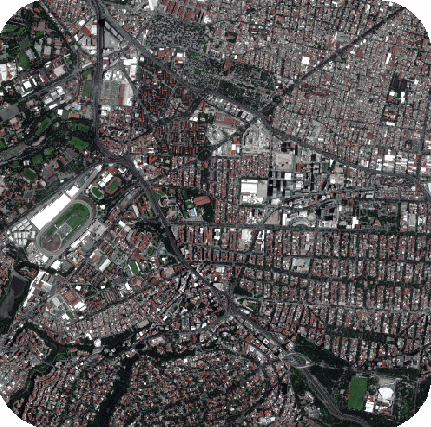
This tutorial walks through this workflow using optical satellite imagery from Beijing-3.
You can find more information on the orthorectification process from the CATALYST Professional Help Documentation and Tutorials webpage.
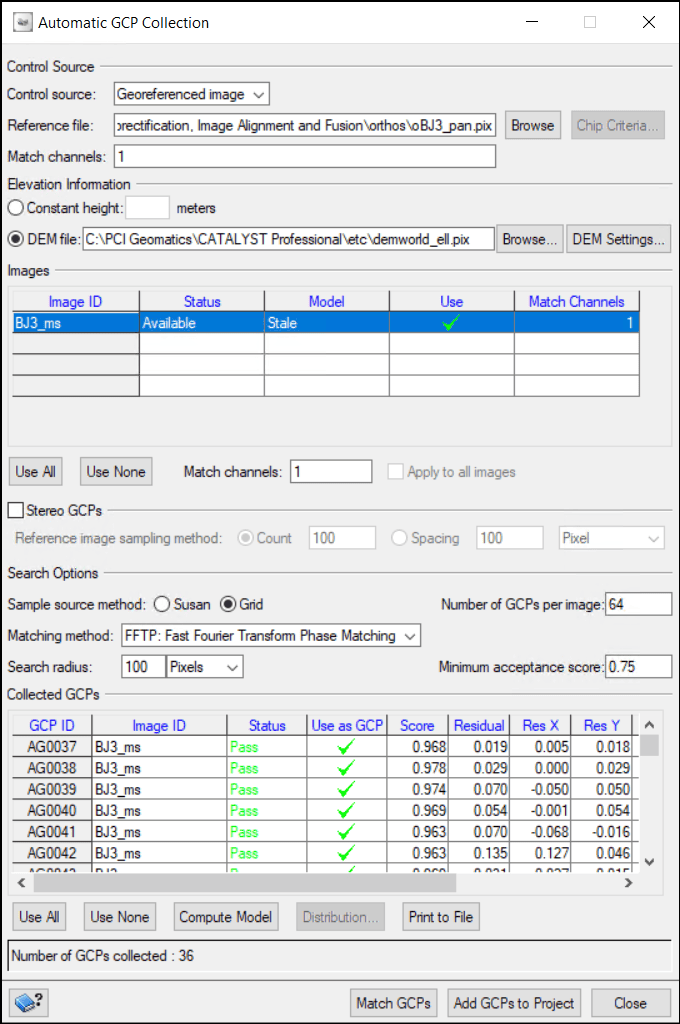
This workflow consists of two orthorectification steps. First, the panchromatic image is orthorectified to produce a reference image. This reference is then used to guide the orthorectification of the multispectral image to the panchromatic image.
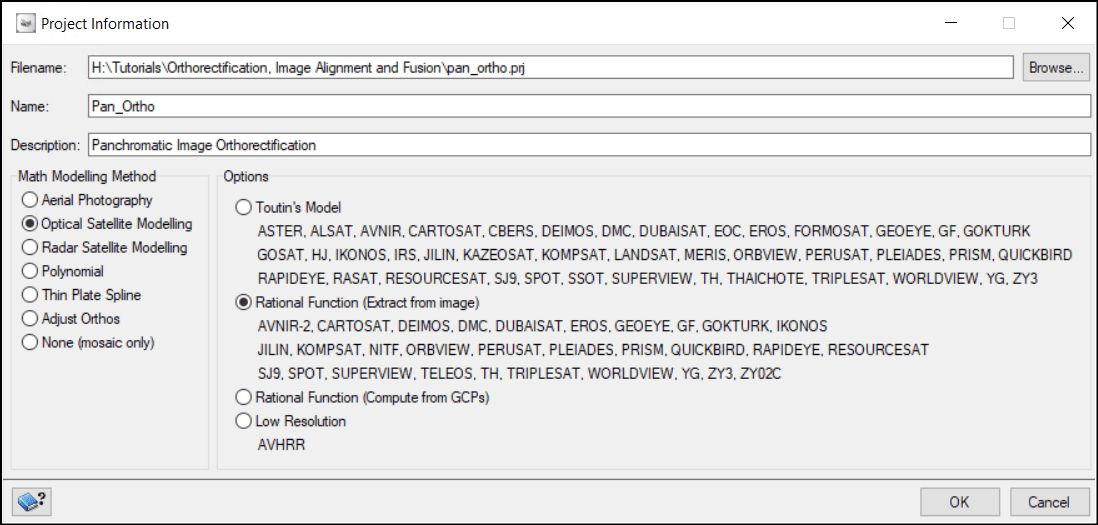
To begin, create the OrthoEngine project for the panchromatic image.
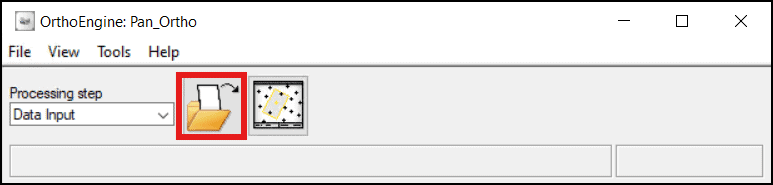
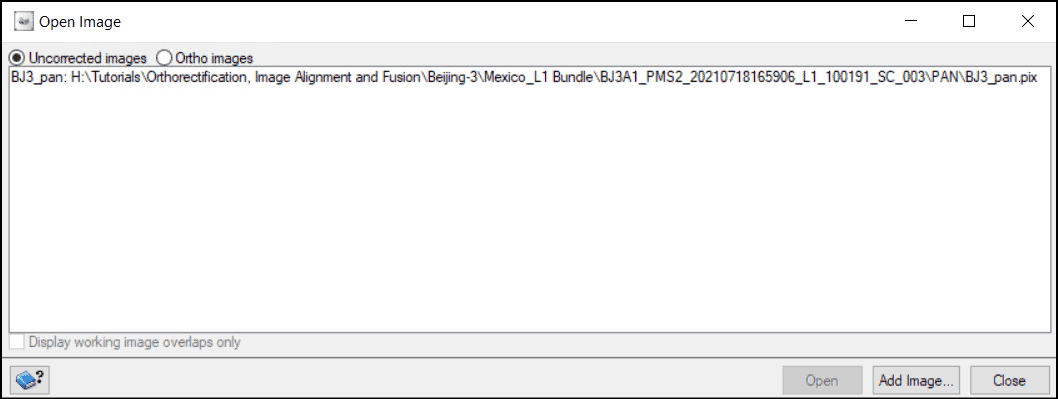
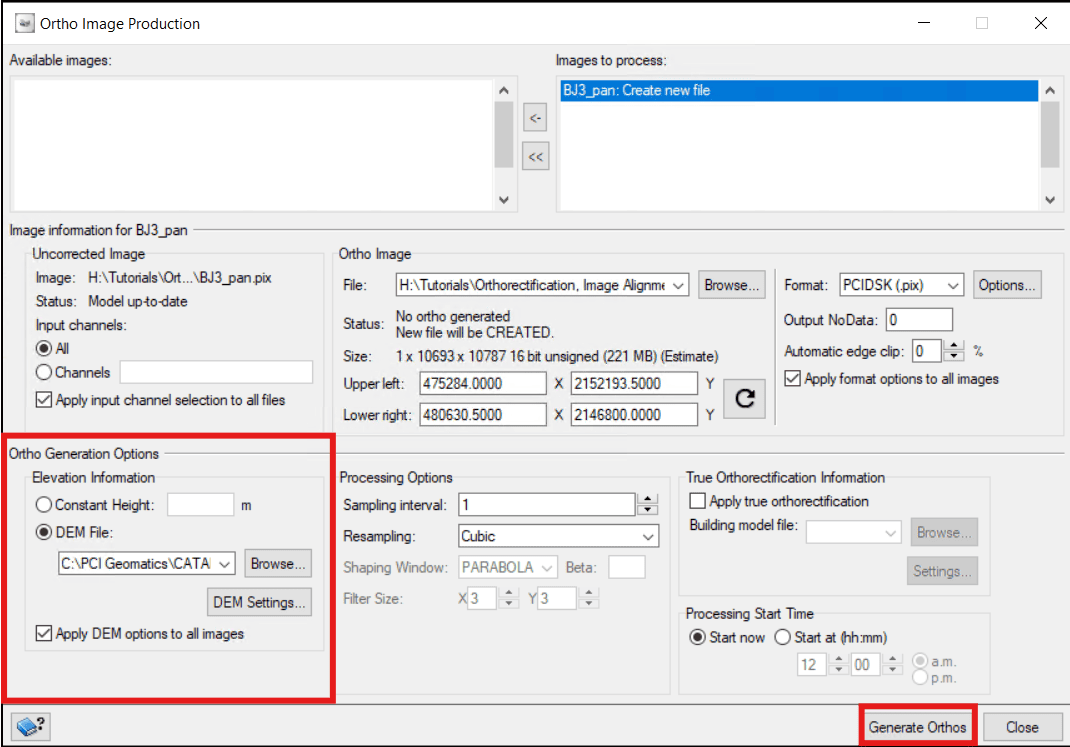
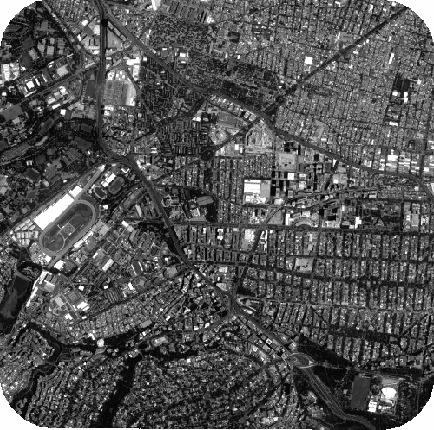
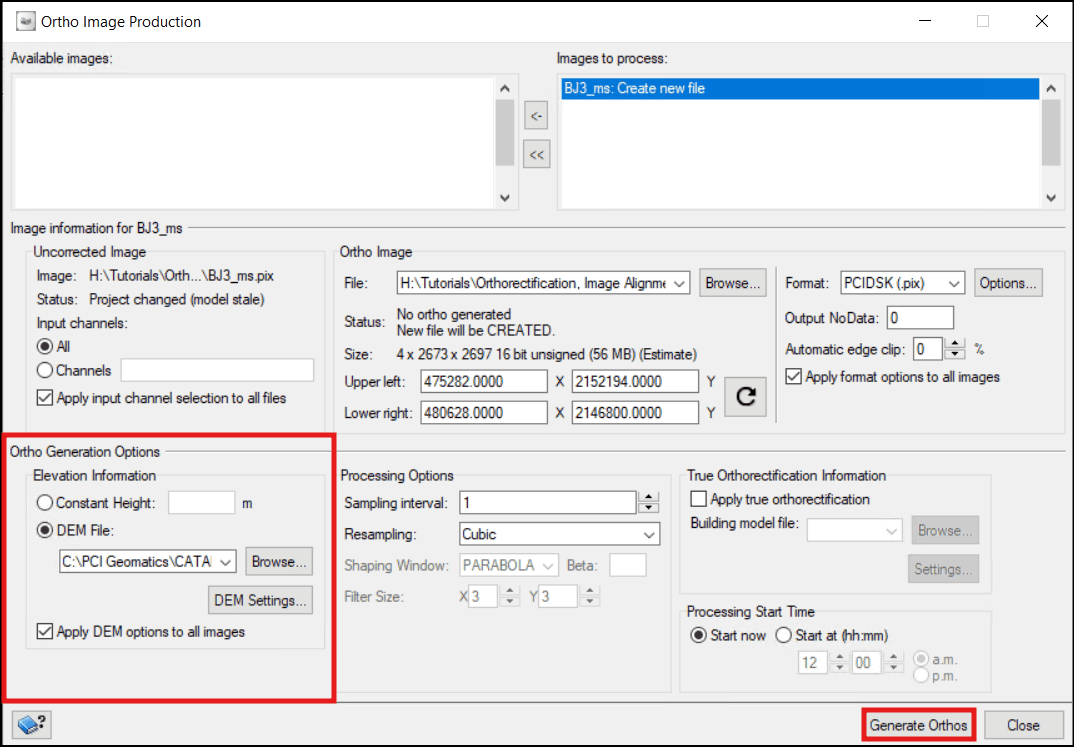
Now that the panchromatic image has been orthorectified, it can serve as a reference for orthorectifying the multispectral image.
To orthorectify the multispectral image:
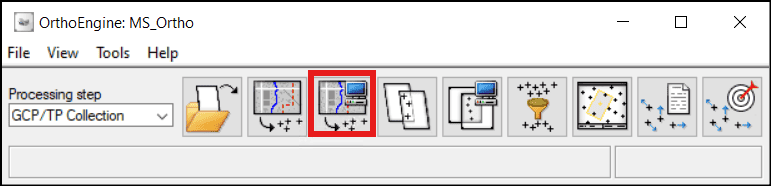
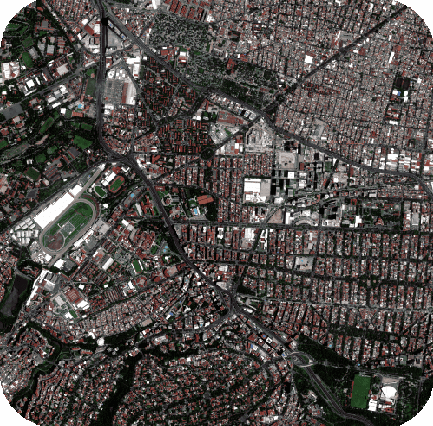
There are two main image fusion options in CATALYST Professional - Pansharpening & Multi-Resolution Analysis Fusion (MRAFUSION). Learn more about the differences between the PANSHARP and MRAFUSION algorithms here - Image Fusion: Comparing PANSHARP And MRAFUSION.
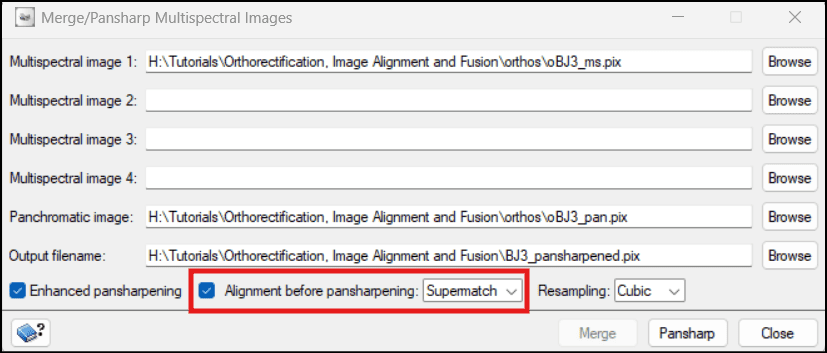
Pansharpening can be performed with misalignment correction before the fusion. This is where the APANSHARP algorithm comes in. This can be beneficial for aligning images from different sensors.
The APANSHARP algorithm can be used to align the multispectral and panchromatic images before fusion. This algorithm can be run in OrthoEngine.
To pansharpen with alignment in OrthoEngine:
Another option to correct misalignment before image fusion is to use the Super Registration workflow to co-register the images before running the MRAFUSION algorithm. Learn more about the Super Registration workflow here - Super Registration In CATALYST Professional. The code below runs SUPERMATCH, SUPERAPPLY and MRAFUSION in a single script.
from pci import algo

# Input Variables
# Ortho file to be shifted
image = r"H:\Tutorials\Orthorectification, Image Alignment and Fusion\orthos\oBJ3_ms.pix"

# Reference ortho file
ref =r"H:\Tutorials\Orthorectification, Image Alignment and Fusion\orthos\oBJ3_pan.pix"

# Offset file
offset = r"H:\Tutorials\Orthorectification, Image Alignment and Fusion\align_fusion\BJ3_offsets.pix"

# Output registered image
reg_image = r"H:\Tutorials\Orthorectification, Image Alignment and Fusion\align_fusion\BJ3_superreg.pix"

# Output fused image
fuse_image = r"H:\Tutorials\Orthorectification, Image Alignment and Fusion\align_fusion\BJ3_mrafusion.pix"

# Run SUPERMATCH
algo.supermatch(fili=image, dbic=[1], filref=ref, dbic_ref=[1], searchr=[30],
                searchun="METER", fftsize=[64], minscore=[0.8], pntgrid=[25],
                pntstrat="FIRST", pntclean="MED", filo=offset, pointapp="OFF")

# Run SUPERAPPLY
algo.superapply(fili=image, filoff=offset, dbdc=[1, 2], filo=reg_image)

# Run MRAFUSION
algo.mrafusion (fili=reg_image, fili_pan=ref, srcbgd='FILE', radapt='YES', edgeshar=[1],
           filo=fuse_image, ftype='PIX')