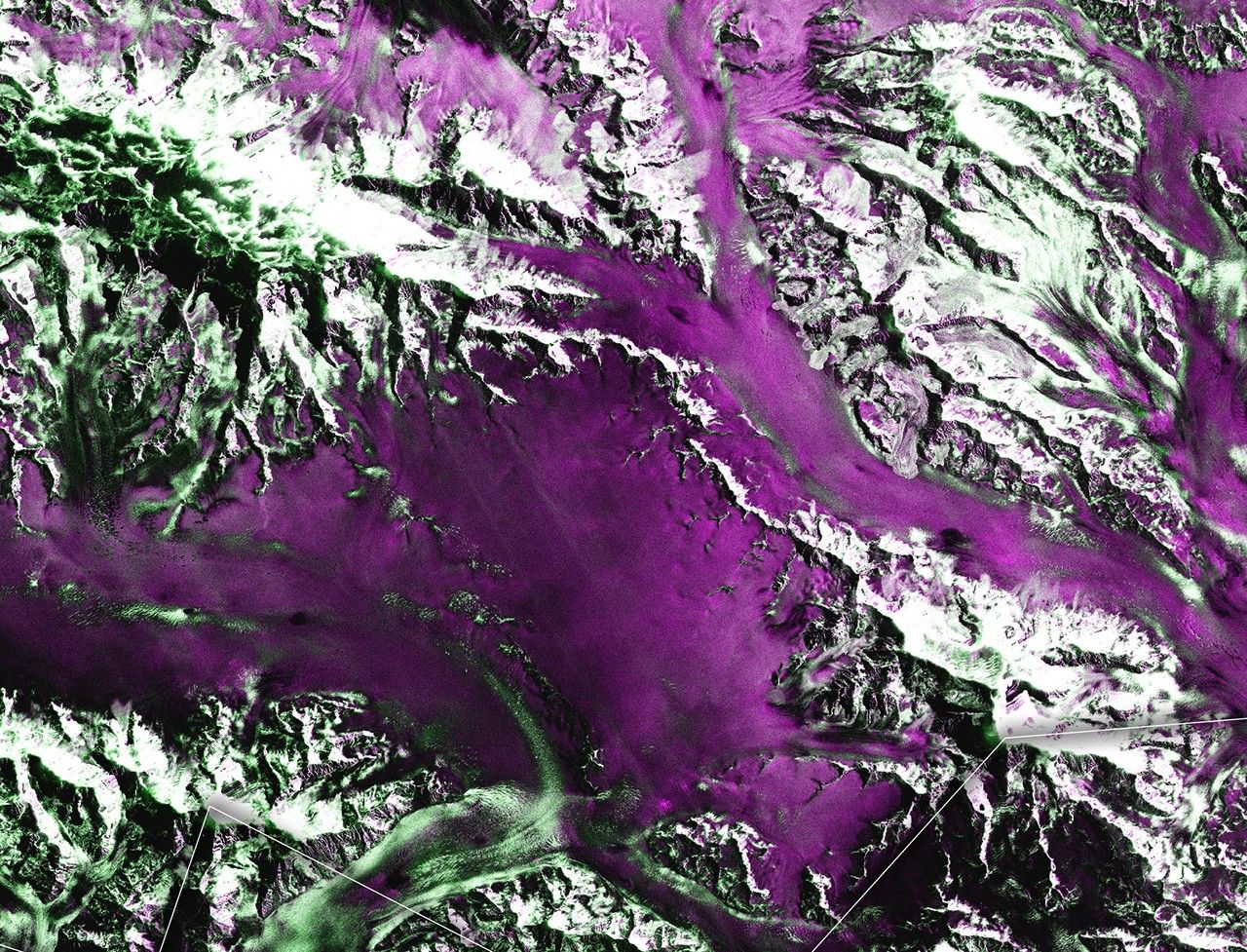
The NASA-ISRO Synthetic Aperture Radar (NISAR) mission is a joint Earth observation initiative between NASA and ISRO to provide high-resolution, all-weather, time-independent measurements. Equipped with dual-frequency SAR (L- and S-bands), NISAR enables monitoring of a wide range of environmental processes, including land deformation, vegetation dynamics, ice sheet movement, natural hazards, and ecosystem change.
NISAR provides global, systematic coverage with frequent revisit times, enabling consistent monitoring of Earth's land and ice surfaces. Its dual-frequency synthetic aperture radar (L-band and S-band) enhances sensitivity to vegetation structure, surface deformation, and a wide range of land-cover types, making it suitable for diverse environmental and hazard-monitoring applications. The mission's consistent observation strategy supports long-term change detection and time-series analyses. In addition, NISAR data is openly and freely available, promoting widespread use by researchers, government agencies, and industry for scientific research and operational decision-making.
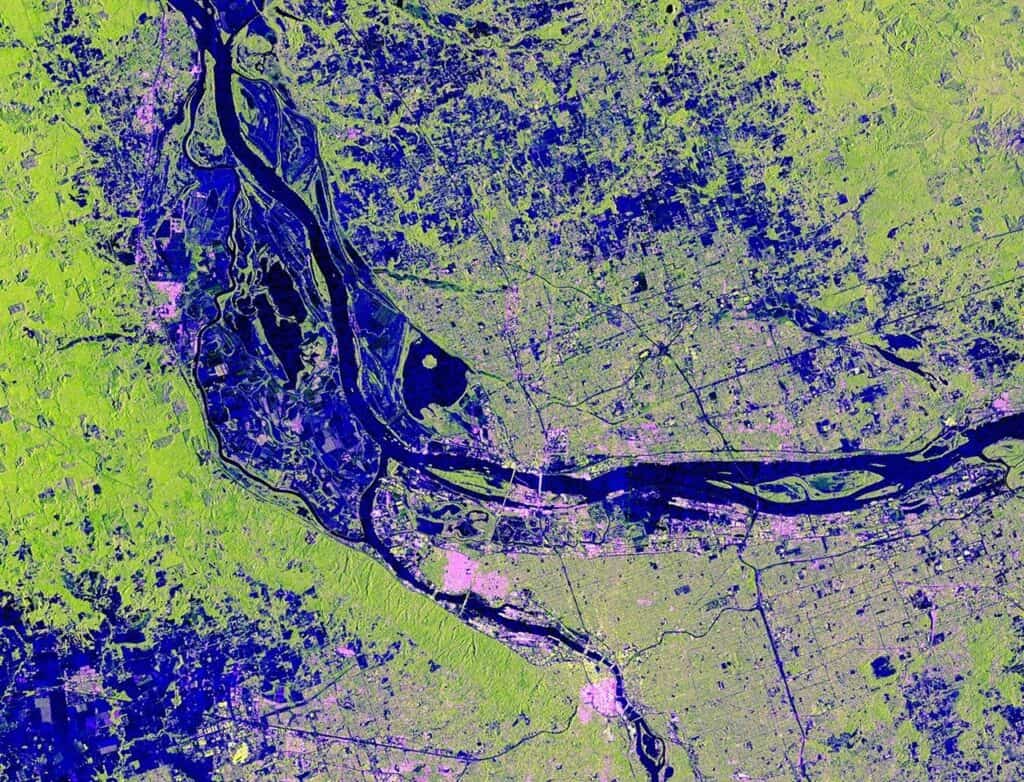
As of version 3.4.0, CATALYST Professional supports the L-band Radar Single Look Complex (RSCL) Level 1 product, including single-, dual-, and quad- polarization datasets.
Before NISAR imagery can be used in CATALYST, the native metadata must first be mapped into CATALYST Earth standard metadata. This conversion is performed using the SARINGEST algorithm. The key file to be used is the NISAR_L1_PR_RSLC*.h5 file, which contains the imager, metadata, and acquisition information required for processing. In addition to the keyfile, a NISAR swath must be included in the path to form the complete input data string. NISAR data comes with up to two swaths - FrequencyA and FrequencyB. In SARINGEST, the input data field will have the format: \path-to-data\NISAR_L1_PR_RSLC*.h5?SPID=<swath-name>,
where swath-name is one of NISAR_L1_RSLC_FREQ_A or NISAR_L1_RSLC_REQ_B.
The resulting PCIDSK file can then be used in subsequent CATALYST workflows.
To ingest NISAR data in Focus:
NISAR can be ingested using the CATALYST Professional Python API through the following script:
from pci.saringest import saringest

fili = r'H:\Tutorials\NISAR\L1-RSLC-001\NISAR_L1_PR_RSLC_001_030_A_019_2000_SHNA_A_20081012T060910_20081012T060926_D00402_N_F_J_001.h5?SPID=NISAR_L1_RSLC_FREQ_A'
filo = r'H:\Tutorials\NISAR\L1-RSLC-001\NISAR_L1_PR_RSLC_001_030_A_019_2000_SHNA_A_20081012T060910_20081012T060926_D00402_N_F_J_001.pix'
dbiw = []
poption = 'NEAR'
dblayout = 'BAND'
calibtyp = 'SIGMA'

saringest(fili, filo, dbiw, poption, dblayout, calibtyp)To view NISAR data as phase and coherence:
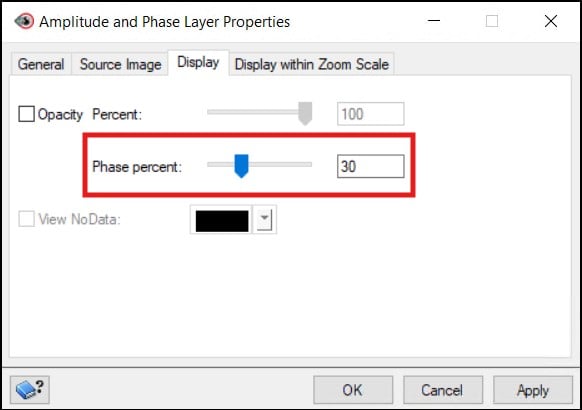
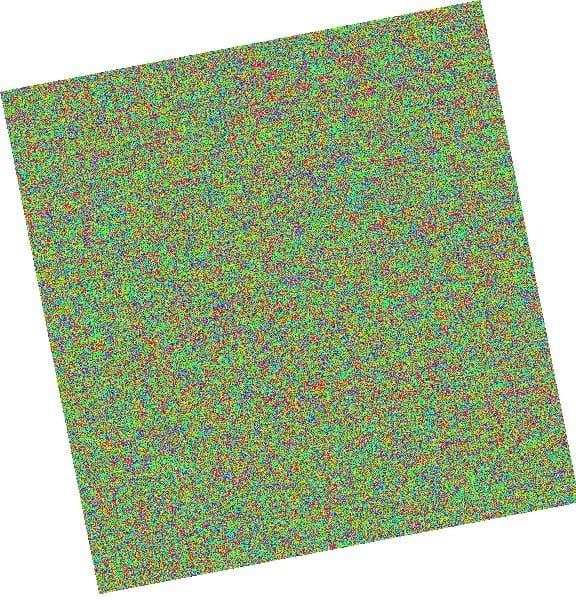
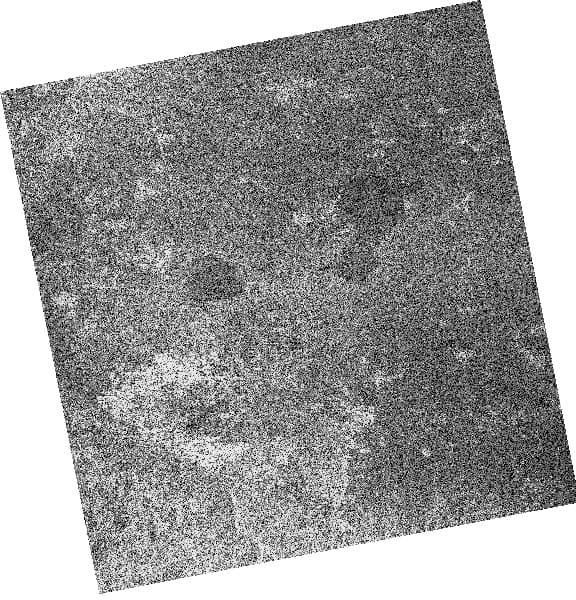
Once the NISAR data has been ingested in CATALYST, it can be used in a wide range of SAR processing workflows, including radiometric calibration, speckle filtering, change detection, and more. For a step-by-step example of a SAR change detection workflow, see the Change Detection For SAR tutorial.
For organizations looking to operationalize NISAR data, we offer CATALYST INSIGHTS, a service that transforms NISAR and other Earth observation data into actionable insights. If you have an upcoming project and would like to explore how NISAR data can support your objectives, we'd be happy to discuss your requirements. Learn more about CATALYST INSIGHTS at https://catalyst.earth/solutions/catalyst-insights/.
