You can verify the projection of your orthorectified images in CATALYST Professional Focus
To verify the projection of your orthorectified images
- In Focus, click the Files tab.
-
Right-click a file in the list, and then click Properties.
The File Properties window appears.
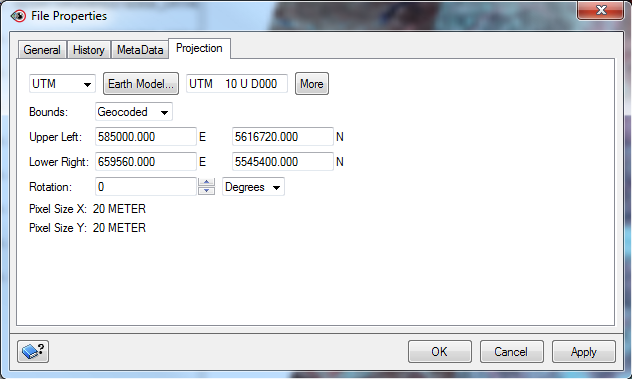
-
Click the Projection tab.
Ensure that the projection is correct and make any adjustments, as necessary.