To view haze-corrected scenes in CATALYST Professional Focus
- In Focus, click the File menu, and then click Open.
-
In the hazefree folder, select a haze-corrected scene, and then click Open.
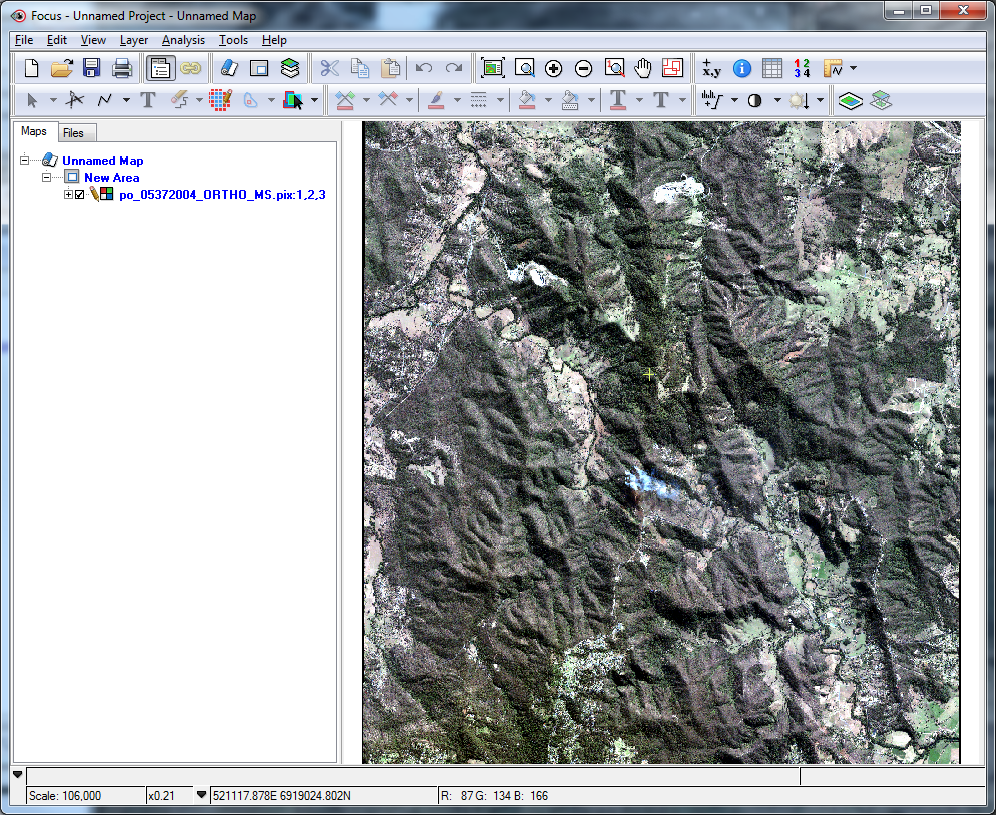
-
Expand the Raster segment for the haze-corrected image.
The output haze-corrected image has the same number of channels as the multispectral data set orthorectified originally.
-
Expand the Vectors section.
Each haze-corrected image contains an output cloud mask. You can adjust the quality by manually editing the masks or by rerunning the module with modified parameters.