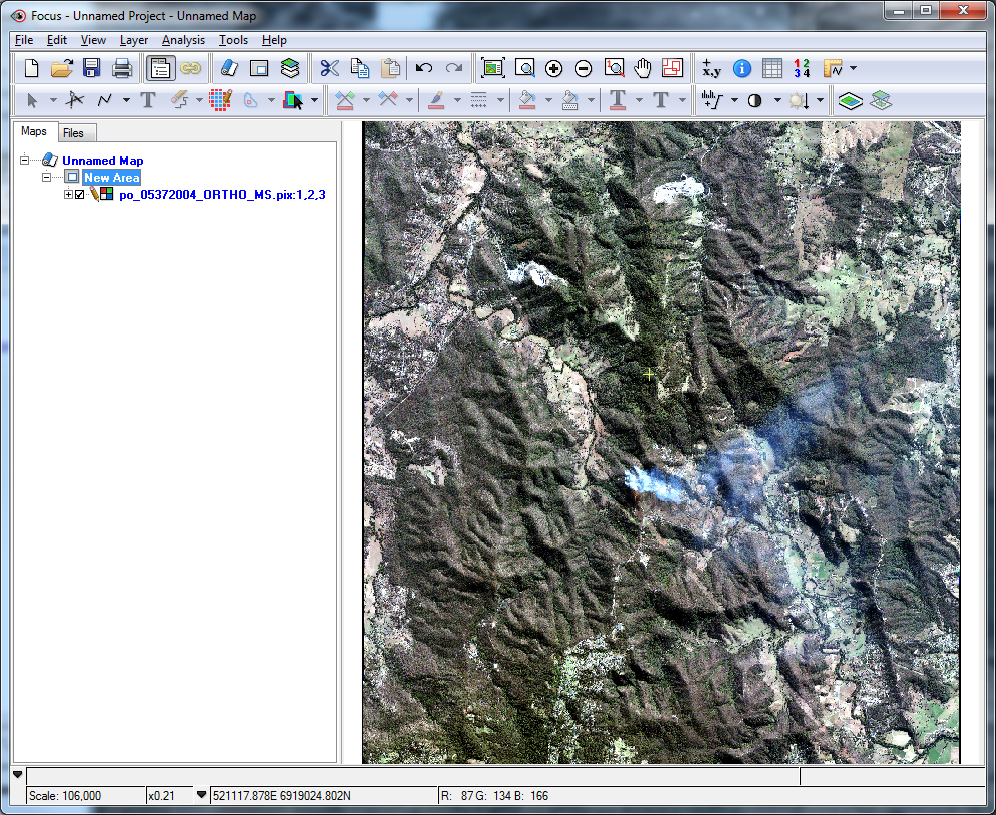
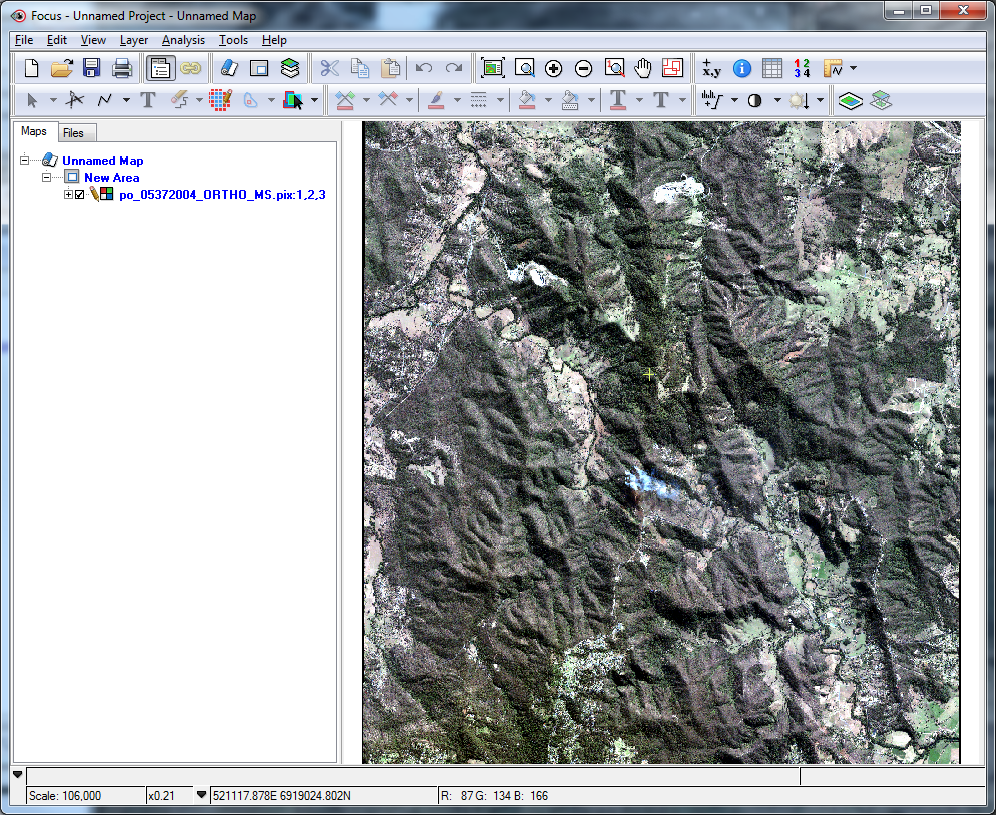
The quality of the haze removal and cloud detection depends largely on the type of image, the atmospheric conditions at the time of image acquisition, the metadata provided with the imagery, and the parameters specified prior to processing.
Typically, almost all of the clouds are detected by the cloud-detection process, with very few clouds left undetected. Although you can define only a lower cloud threshold (with no upper threshold), doing so can introduce many false positives (especially with urban features, which tend to be classified inadvertently as clouds). Specifying both a lower-cloud and upper-cloud reflectance threshold is recommended.
You can view the clouds detected by the Cloud Detection and Haze Removal module in CATALYST Professional Focus.
To view clouds detected by the Cloud Detection and Haze Removal module
- In Focus, open the haze-corrected image.
- Click the Files tab, and then expand the Vectors segment.
- Right-click the Cloud mask, and then click View.
-
Click the View menu, point to Zoom To, and then click Zoom to Overview.
Focus updates the display.
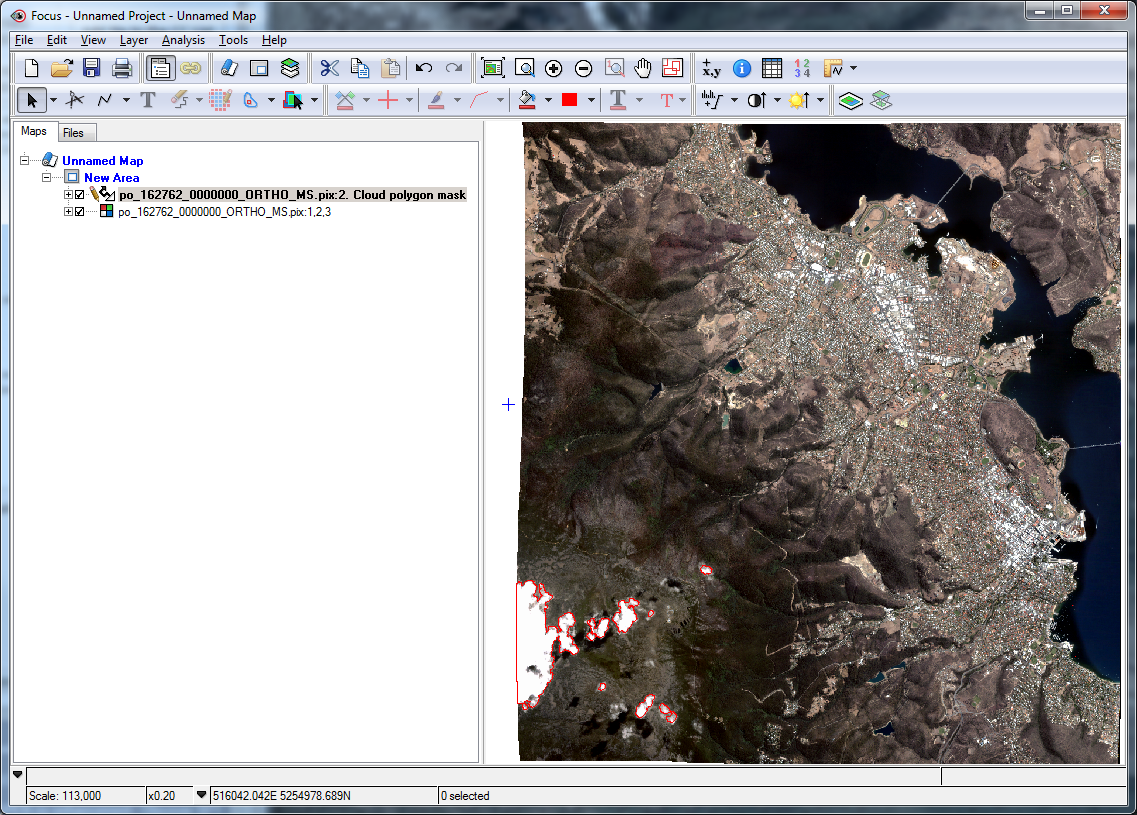
Notice that the cloud-detection process detected almost all of the clouds in the original image. You can edit these cloud masks using vector-editing tools and by moving or removing vertices, or by adding additional masks for clouds that the detection procedure missed. Additionally, you can rerun the module with adjusted cloud-threshold and dilation parameter values to detect more clouds.
-
To assess the quality of the haze-removal process, compare the haze-corrected image to the original orthorectified, uncorrected image.
The quality of the haze-correction process depends on the number of good pixels in the original versus the number of bad (hazy) pixels. If an image is almost entirely covered in haze, the correction results may be poor.
-
Toggle the orthorectified image on and off, and then compare it to the haze-corrected image.
You will notice many regions that have been significantly improved by the haze-removal process.