- Enable the Use starting point check box.
- Enter an X-coordinate for the new starting point in the X spin box.
- Enter a Y-coordinate for the new starting point in the Y spin box.
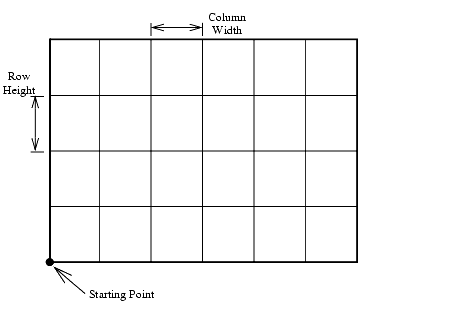
Understanding Grids
Understanding Grids
© PCI Geomatics Enterprises, Inc.®, 2026. All rights reserved.