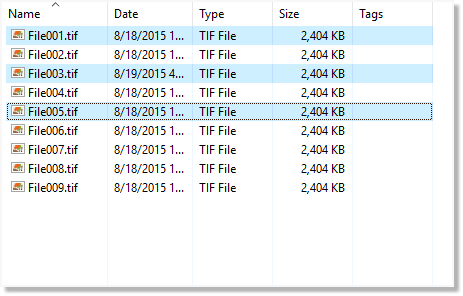
You form a group by selecting two or more items in a nonlinear manner; for example, File001.tif, File003.tif, and File005.tif, as shown in the following figure.
Figure 1. Selecting by group
To select by group
- Click the first item you want, hold down the Ctrl key, and then click each additional item you want to add to the group.
The first item and each additonal item that forms the group are selected.