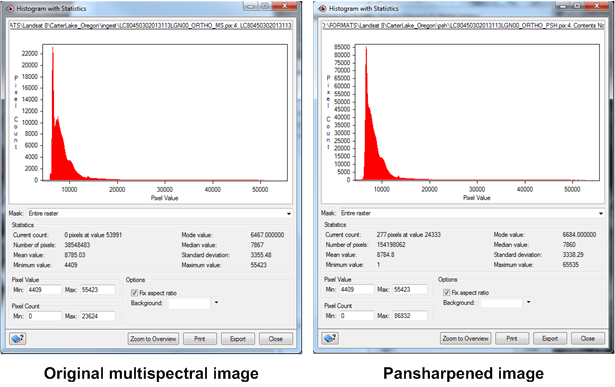
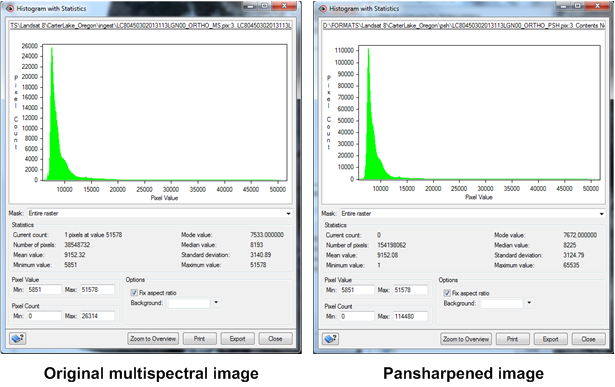
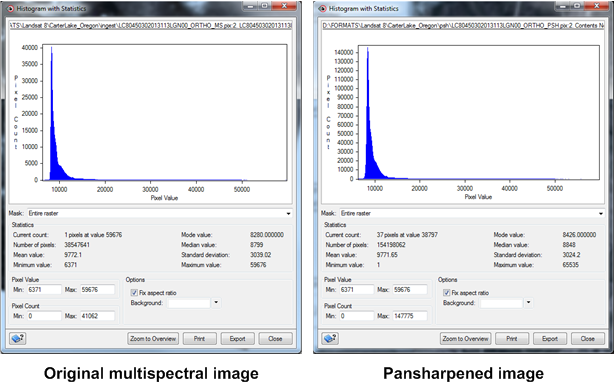
You can verify the pansharpening of your images in CATALYST Professional Focus.
To verify pansharpened images in Focus
- In Focus, click the File menu, and then click Open.
- Open the PSH folder created by the Pansharpening module.
-
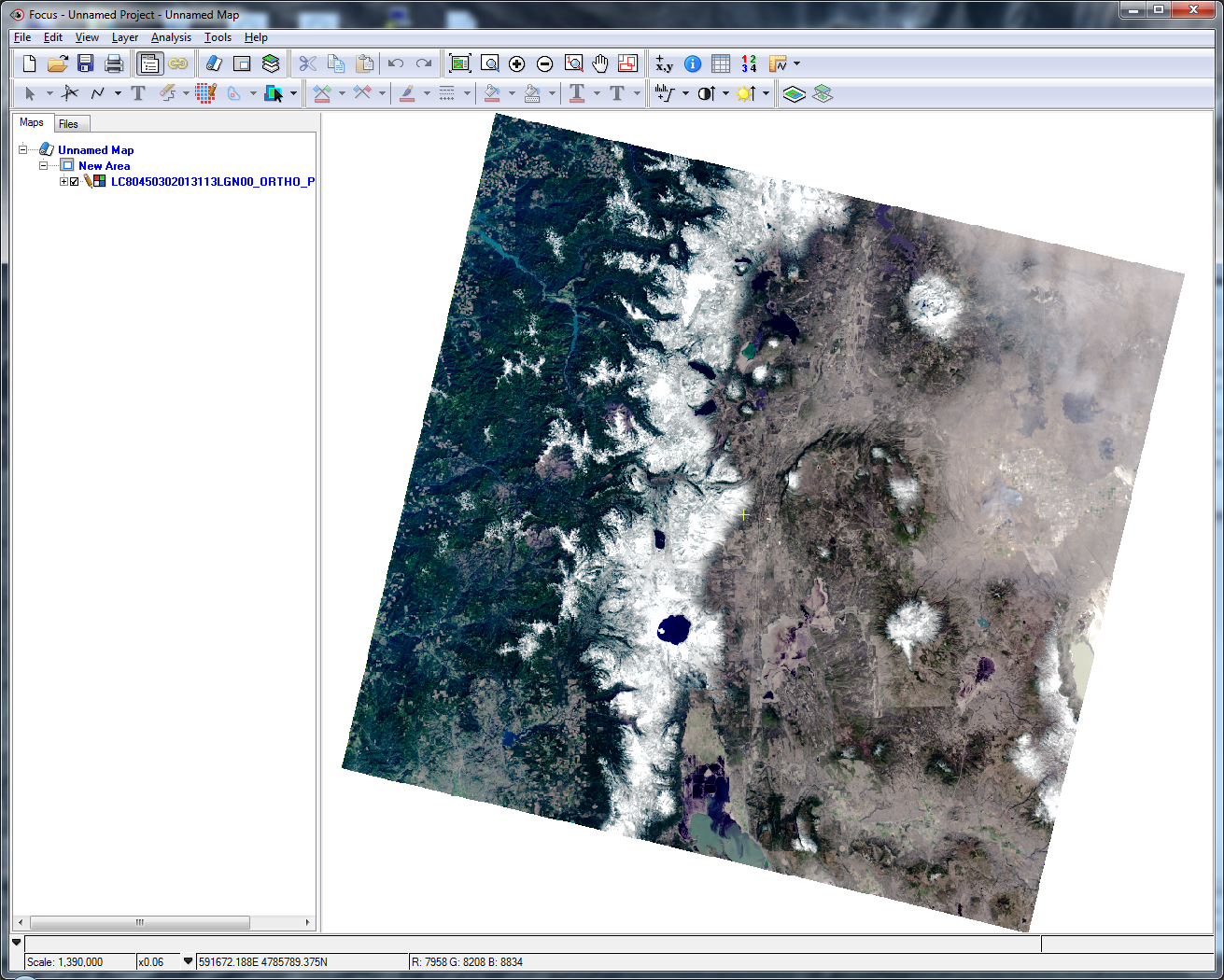
Select a pansharpened image, and then click Open.
The image displays.
-
Open the ORTHO folder, and then open the corresponding multispectral (MS) image.
The image appears in the tree list.
-
Use the histogram tools to compare the histograms for each channel of the original MS scene and the new pansharpened scene.
Adjust the minimum and maximum values of x and y to view the most details. The histograms for each corresponding channel in the original MS image and the new pansharpened image should have the same shape.